
ACCOUNT
Login and profile area
Check how your phone number, password and contact detail are stored in the account menu before you move into the casino or sportsbook tabs.

Sic Bo, Aviator, Wild Wild Riches and Mega Fishing sit one tap from our home lobby, with DANA, OVO, GoPay…

and Indonesia payment rails are described as service context, where local law permits.

Cards, tables, FAQ and policy pages stay readable on small screens so you can find information on any device.
Casino and slots are kept near the front of the lobby so you can reach live tables, feature slots and fishing rooms without crossing unrelated menus.
The home screen puts slots, live casino, table games, fishing and sportsbook entry points in one clean view.
We carry familiar studios such as Pragmatic Play, PG Soft and Habanero so you can recognise slot and table rooms quickly.
Funding your balance starts in the wallet, not in the game room. We show the available local rails before you confirm an amount, then display the account name…
Use the home page as your starting point, then open the pages that answer account questions before you commit balance.
Check how your phone number, password and contact detail are stored in the account menu before you move into the casino or sportsbook tabs.

Use the wallet screen to see DANA, OVO, GoPay and QRIS options, pending requests and the withdrawal form linked to your account.

Open Sic Bo, Dragon Tiger or Baccarat rooms from the casino tab and check table status before you sit at a streamed game.
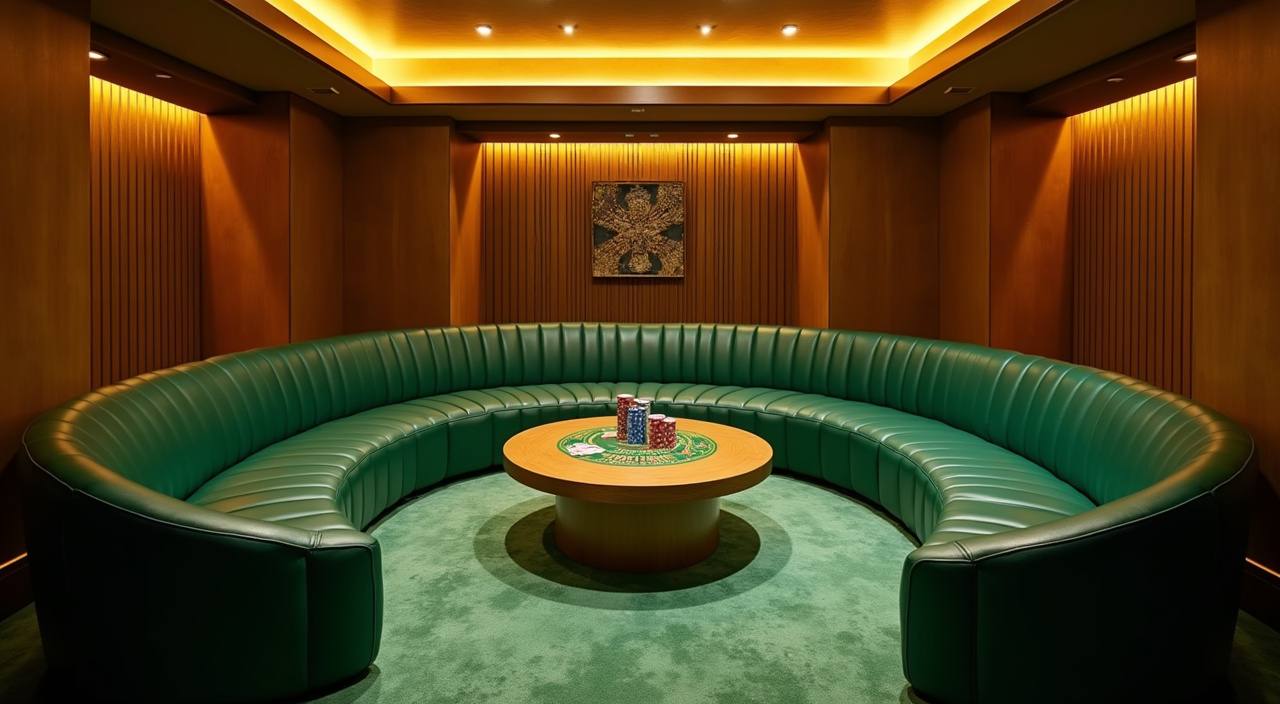
Browse slot categories such as Wild Wild Riches, Sweet Bonanza and Mahjong Ways by opening the slots tab from the home lobby.
Start with the home screen, then move through the account form only after you confirm the lobby fits your device and region.
Support should be close to the action that caused the question. Our help routes cover login, wallet, game loading and withdrawal checks, with live chat available daily from 10:00 to 02:00 WIB. If a case needs screenshots or account matching, email gives us room to read the detail, while the mobile help button keeps short questions inside the lobby.
Use live chat for login, wallet status or game loading questions between 10:00 and 02:00 WIB, with your account detail ready.
Send email when you need to attach screenshots, payment receipts or device details, especially for withdrawal checks requiring clearer account context.
Tap the help button from the mobile lobby when a room stalls, a QRIS screen expires or a menu does not respond.
Your phone should get you from login to lobby without extra steps, so our home page keeps the account button, wallet, game tabs and help link within thumb reach.
Account safety begins before you open a game. We use password access, session monitoring, wallet confirmation screens and withdrawal checks so the main risks are handled…
Buttons, forms and wallet prompts are sized for phone use first, then adapt to tablet and computer screens without changing the core account path.
Your account requires password access and session checks, with support able to help if a login attempt fails or a contact detail needs review.
Before a withdrawal request is submitted, the screen asks you to confirm the destination detail and amount shown in the account area.
Game categories, provider names and table types are labelled before entry, so you understand whether you are opening slots, casino or fishing.
Searching through chat groups, screenshots or old links often leaves you with unclear wallet details and outdated game paths.
| One account path | Instead of following several saved links, you start from the home page and move through the same account, wallet and lobby route each time. |
|---|---|
| Current wallet screen | The wallet view shows the active DANA, OVO, GoPay and QRIS options, reducing the risk of using an old image from a chat. |
| Visible game categories | Slots, live casino, fishing and sportsbook areas stay labelled, so you do not need to guess which room an outside link opens. |
| Support in context | When you contact us from the lobby, our team can ask for account details tied to the issue rather than a random screenshot. |
| Device consistency | The same login and wallet order appears on phone, tablet and computer, helping you return later without relearning the menu. |
| Policy access | Eligibility, account and promo terms remain linked from the site, giving you a clearer source than forwarded messages or cropped images. |
Different game categories behave differently, so the home page separates them before you enter. Slots show feature styles and provider names, live casino rooms show table type and stream status, while sportsbook…
Slot rooms display provider names, feature labels and game thumbnails before you open a title such…

Live rooms show table categories such as Sic Bo, Baccarat and Dragon Tiger, with stream availability…

Fishing rooms such as Mega Fishing sit in their own category, so arcade-style sessions do not…
Sportsbook markets appear in a separate area with selections shown before you confirm anything from your…
Your balance remains tied to one wallet view, helping you move between categories without opening separate…
RTP percentages are informational reference values from provider documentation. Actual session outcomes vary.
We built the home page for Indonesia access where local law permits, with account, wallet and support flows written for Indonesian payment habits. You can open the lobby from major cities and smaller areas as long as your connection, device and local rules allow access. We do not ask you to choose a city before browsing; the practical checks happen through login, wallet availability and support review when needed.
You should be able to judge the home page by what you can see and use.
These questions focus on the home page actions you are most likely to take first: opening an account, checking the lobby, using local wallet rails and contacting support. If your question involves local eligibility, access depends on local law and is available only where local law permits.
Use the home page in a simple order: check the lobby categories, create your account, open the wallet, then choose a room that fits your balance and device.
Look at casino, slots, fishing and sportsbook tabs first so you know whether the home page has the categories you…
Enter your phone number, password and contact detail, then keep those details ready if support needs to verify your request.
Open the wallet screen to view DANA, OVO, GoPay and QRIS options before choosing a game room.
Contact live chat or email with your account detail, device type and a screenshot when a login or wallet issue…